
How do I request an activation key?
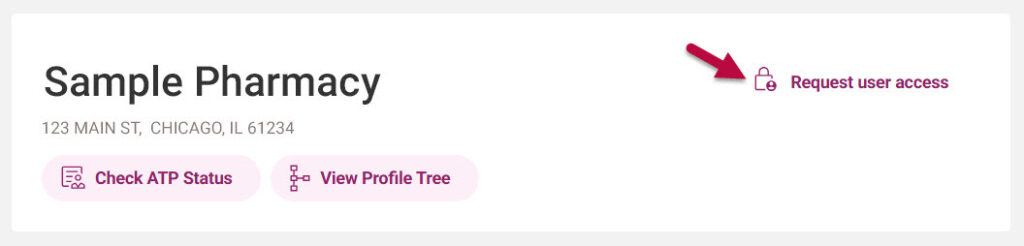
An activation key is a code provided to claim your organization’s profile. Select the “Request User Access” button in the right-hand corner of the organization’s profile and complete the requested information.
Within 14 business days, the activation key will be mailed in a letter sent via United States Postal Service to the physical address listed in your license. You can add a user’s name for the “Attention” field; however, you may not change the mailing address.
When you receive the letter with the activation key, log in to Pulse, select the “Request User Access” button, select “Yes,” indicating that you have an activation key, and enter the unique identifier and requested information.
If you don’t receive the activation key within 14 days, you can request another key using the same process as above.